
Drag and Drop Editor
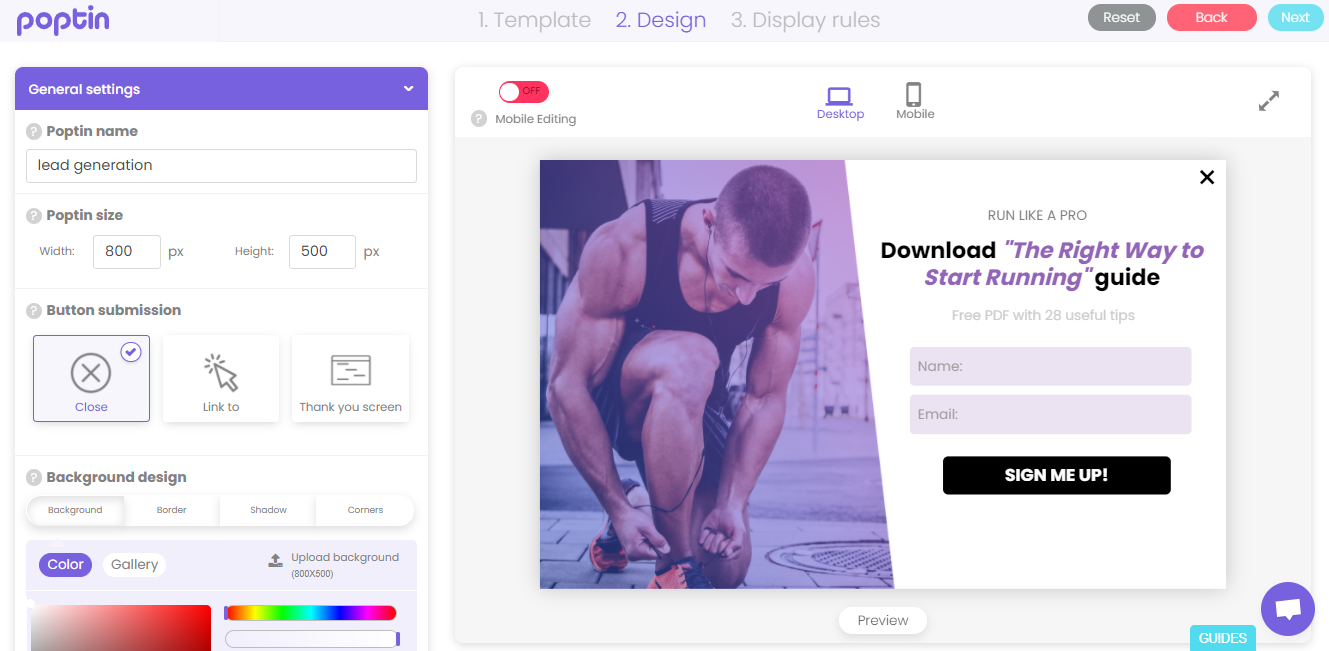
With Poptin’s user-friendly drag and drop editor, you can do and achieve as much as anything in just a short time. You have the freedom to edit and style your website pop ups and forms without having to go through the hassle of writing codes. Every pop-up design can be responsive and compatible to any device, whether on PC, tablet, or mobile. This editor is also packed with a lot of amazing features that unleash awesome potential for your pop ups. Use this Poptin’s drag and drop editor and create great results right on the front end.
No strings attached. No credit card required.
Add, edit, remove elements
The whole interface offers many elements that you can include. You can add/remove images, icons and fields, edit sizes, fonts and colors, and work on many other pop-up elements to play around.
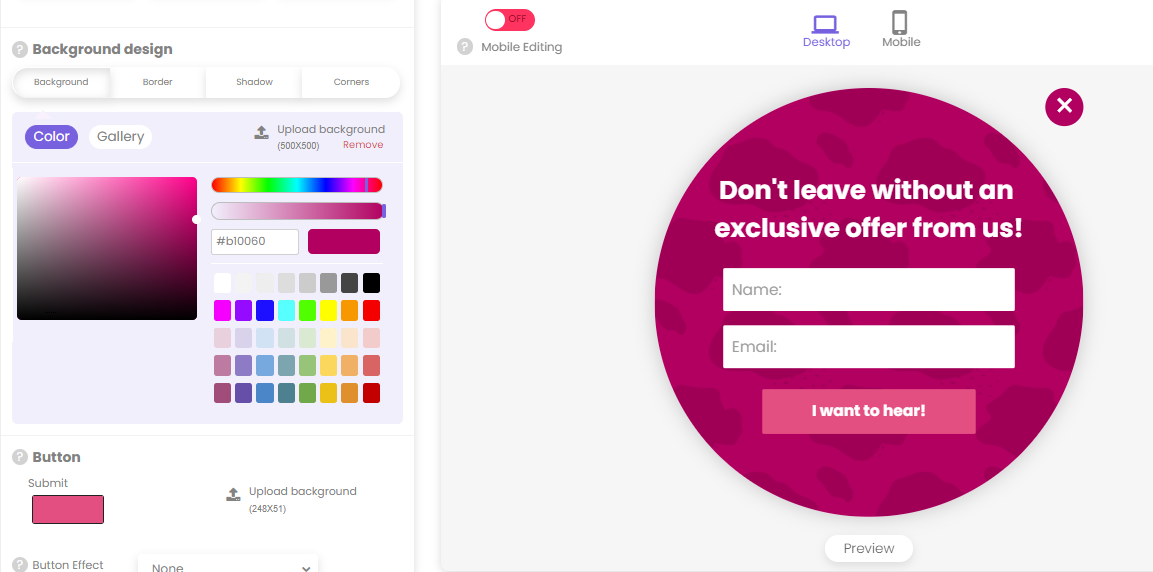
Customize everything on the front end
Whatever features you decide to put on your designs, you can easily see them on the screen. There’s also a summary of display rules available, so you can review them before you publish.
Unique Drag and Drop Editor Elements
Powerful Editor
Create pop ups with our user-friendly and innovative interface
Advanced Fields
Modify the elements on your pop ups and enjoy endless potential
Conversion Code
Track conversion on your favorite Analytics platform

Try our Drag and Drop Editor now!
No strings attached. No credit card required.
Explore More Poptin Features
Autoresponders
Lightbox Pop Ups
Full Screen Overlays
Mobile Pop Ups