
Title Tag Targeting
Want to show your pop ups to specific pages only? Then, the title tag targeting is the perfect one for you! Just specify the tags or keywords of the page you’d like to target and you can automatically show your pop up campaigns to potential customers who visit. Like any other targeting rules, it’s important to pair it with the right smart trigger to unleash the maximum effectiveness of your campaigns. The Title Tag targeting is available for freemium and paid users.
No strings attached. No credit card required.
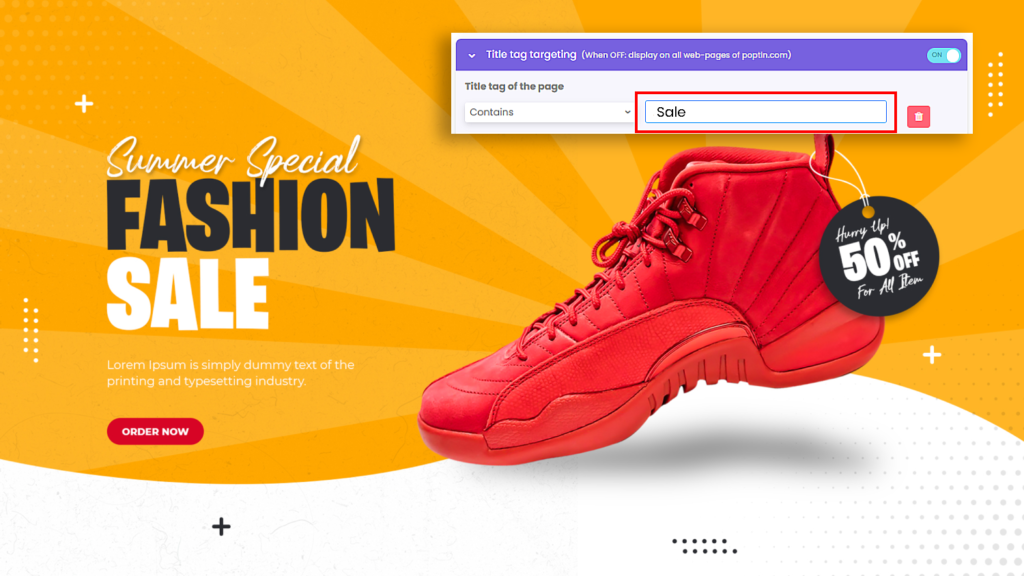
Show campaigns to pages with your specified title tag
The title tag targeting allows you to target visitors who bumped into a specific page on your website. This gives you the opportunity to engage with potential customers and offer them pop up campaigns that are more relevant to them.

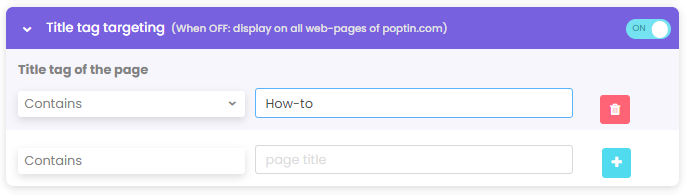
Add multiple title tags to accurately place your campaigns
With Poptin’s user-friendly pop up builder, it’s easy to implement the title tag targeting. You can also add multiple tags so you can precisely show your pop ups on the right page.
Unique Title Tag Targeting Elements
Powerful Editor
Create pop ups with our user-friendly and innovative interface
A/B Testing
Easily determine the best traffic source to target your visitors
Conversion Code
Track conversion on your favorite Analytics platform

Try Title Tag Targeting now!
No strings attached. No credit card required.
Explore More Poptin Features